AI concept9:16
Creator proof angle
Real face, short hook, clear promise
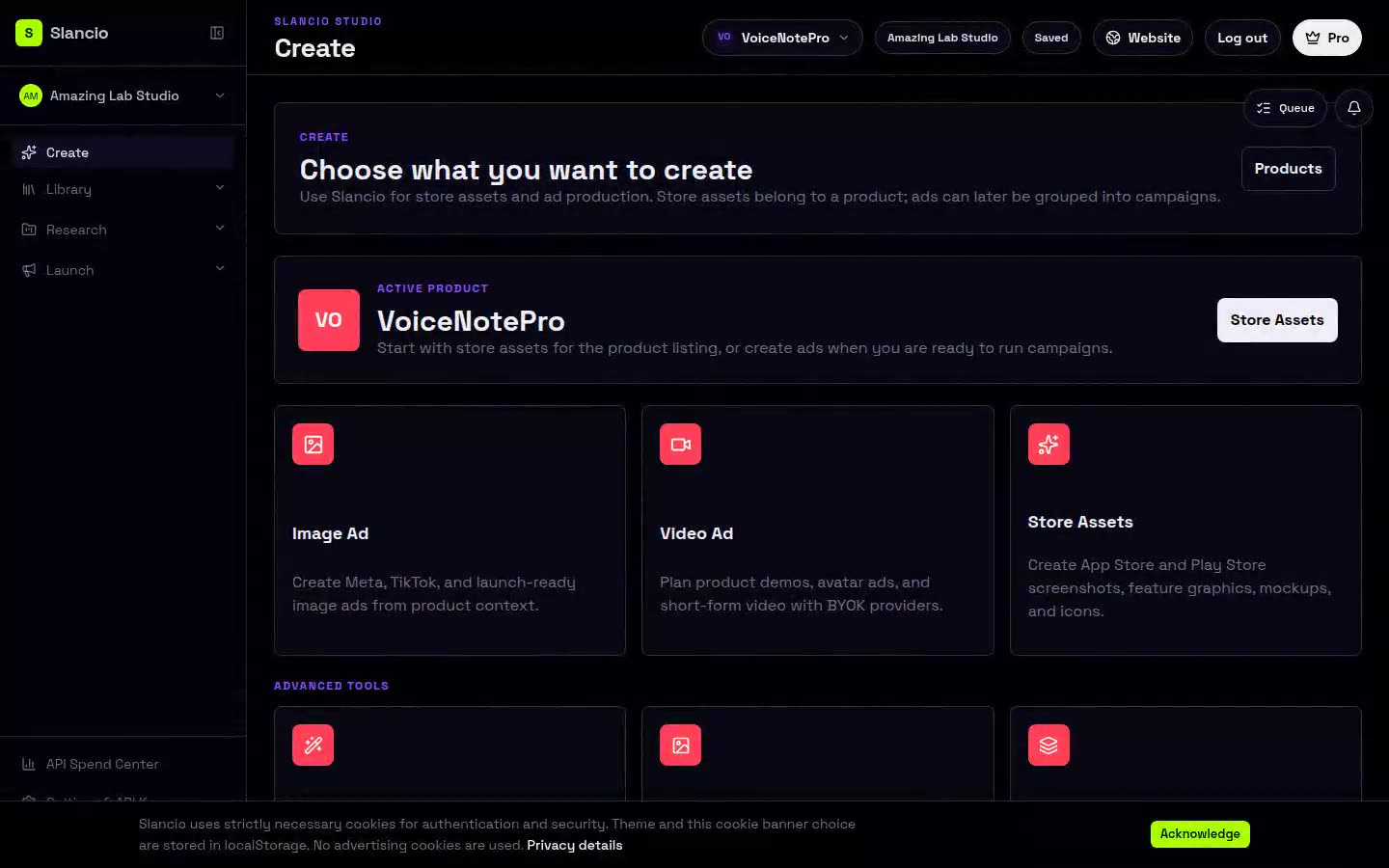
Start with a product URL, or just a name, a short description, and a few product images. Slancio turns any of them into static and video ads grounded in your positioning, plus App Store and Play Store screenshots and listing copy when you are shipping an app.
Bring what you have, plus your own AI keys. Pay only when you export, publish, or keep the workflow running.
Ad examples
Creator proof angle
Real face, short hook, clear promise
Urban proof variant
Location-led visual for local service or app ads
Beverage demo cutdown
Creator-style product moment with a simple benefit
Streetwear mood creative
Atmospheric motion for lifestyle launch ads
Wellness lifestyle ad
Calm creator moment for health and habit offers
Skincare comparison
Before-after promise for beauty and care offers
Fitness founder hook
Gym creator scene for energy and routine offers
Gym offer close
Performance scene with a direct CTA angle
Creator proof angle
Real face, short hook, clear promise
Urban proof variant
Location-led visual for local service or app ads
Beverage demo cutdown
Creator-style product moment with a simple benefit
Streetwear mood creative
Atmospheric motion for lifestyle launch ads
Wellness lifestyle ad
Calm creator moment for health and habit offers
Skincare comparison
Before-after promise for beauty and care offers
Fitness founder hook
Gym creator scene for energy and routine offers
Gym offer close
Performance scene with a direct CTA angle
One workspace for the launch surfaces that actually bring people in.
Paste a product URL, or just a name, a short description, and product images. Slancio extracts positioning, audience, and creative angles from any of them.
Turn product context into static and video ads. Provider cost is visible before generation and AI usage stays on your own keys.
If you are launching an app, generate App Store and Play Store screenshots and listing copy from the same product context.
The product proof is the workflow itself: your product context goes in, a reviewable ad plan (and, for apps, store assets) comes out.
Paste a product URL, or add a name, description, and product images if you do not have one yet.
Slancio turns whatever you have into audience, pain, proof, and positioning notes.
Static and video ads grounded in the same product context, before variants, export, or campaign planning.
For apps, generate App Store and Play Store screenshots and listing copy from the same context.
Static ads, video concepts, and (for apps) store screenshots and listing copy, all grounded in your product context.
Create static product ads and social crops from the same launch brief.
Plan short-form hooks, product demos, proof scenes, and CTA endings.
Translate winning ads into reusable strategy briefs for your product.
App-only: generate App Store and Play Store screenshots grounded in your product context.
App-only: titles, subtitles, promo text, and keywords tuned to your product context.
Keep provider routing and spend visible before paid generation starts.
Create static product ads and social crops from the same launch brief.
Plan short-form hooks, product demos, proof scenes, and CTA endings.
Translate winning ads into reusable strategy briefs for your product.
App-only: generate App Store and Play Store screenshots grounded in your product context.
App-only: titles, subtitles, promo text, and keywords tuned to your product context.
Keep provider routing and spend visible before paid generation starts.
Same core workflow, tuned to the way different operators launch.
You built the product with your AI coding stack. Slancio helps you reach users, with ads and (for apps) store assets from one URL, description, or set of product images.
Move from generic prompts to store assets and ad variants grounded in product context and market signals.
Keep client products, keys, source ads, and reusable briefs separated by workspace, from store submission through ad rotation.
BYOK from day one
Store Presence covers screenshots, mockups, Google Play feature graphics, Mac assets, Watch assets, icons, and listing-ready static visuals under fair-use limits. Connect your own API keys for the expensive workflows. Slancio sells the launch workflow and charges for product context, campaigns, research, exports, publishing support, and iteration, not for the generation compute you already pay providers for. BYOK for Ad Creatives, Video, Avatar, and Model Lab stays the rule. Trial users can build and preview first; pay when you export, publish, or keep the workflow running.
First Launch Pack
A low-friction first purchase before the subscription decision: a 30-day launch package with strategy, Store Presence assets, variants, and export-ready creative briefs.
€9
one-time, expires after 30 days
Why teams switch from credit-based AI ad tools
Most AI ad tools sell credits, videos, actors, and templates. Slancio wins when a buyer cares about controlling provider spend, approving the brief first, and keeping every asset tied to a measurable launch plan.
No generation credits to burn
Credit tools charge for every rerender. Slancio includes static Store Presence generation under fair-use limits, then lets users review ad prompts and spend estimates before provider calls start.
Built for ad tests, not isolated clips
Each launch package keeps angles, platform prompts, scripts, publishing prep, and versions together so users can keep iterating after the first export.
Provider spend stays direct
Slancio charges for the launch system: Store Presence, product context, workflow limits, saved packages, exports, and publishing support. Provider usage stays on the user's own accounts.
For one product that needs store assets and launch workflow without AI markup.
For founders testing more than one product or offer angle.
For small teams managing a portfolio of products and proof loops.
For agencies and operators running launch systems across client portfolios.
How BYOK billing works
Slancio subscription limits are workflow and fair-use limits for storage, projects, campaigns, and Store Presence static generation. Provider spend stays in your OpenAI, Kie.ai, fal.ai, Runway, or other connected account with no Slancio markup.
Best path to launch value
Static and video ads from your product context, plus store assets when you are shipping an app. Provider spend on your own AI keys. No hidden AI credits. No markup. You stay in control.
Encrypted storage
Provider keys are encrypted at rest in the Slancio vault before they are stored.
Runtime-only decryption
Keys are decrypted server-side only for the provider request that needs them, then plaintext is not persisted after the call.
Provider billing stays yours
AI usage stays inside your provider account and provider spend is never marked up as hidden Slancio credits.
Revocable control
You can rotate, remove, or replace provider keys from Settings when a project, teammate, or provider path changes.